
 Join our Discord
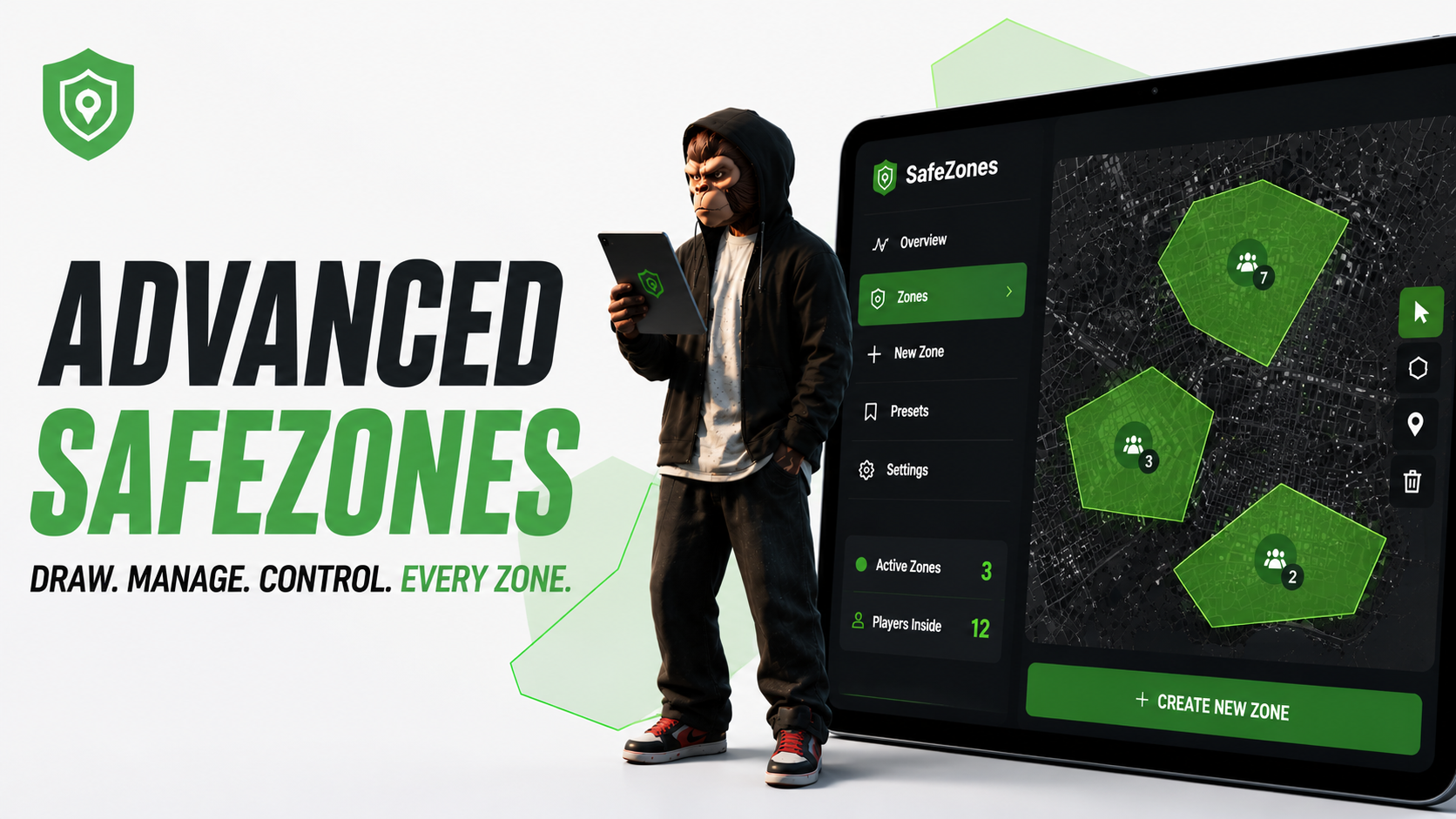
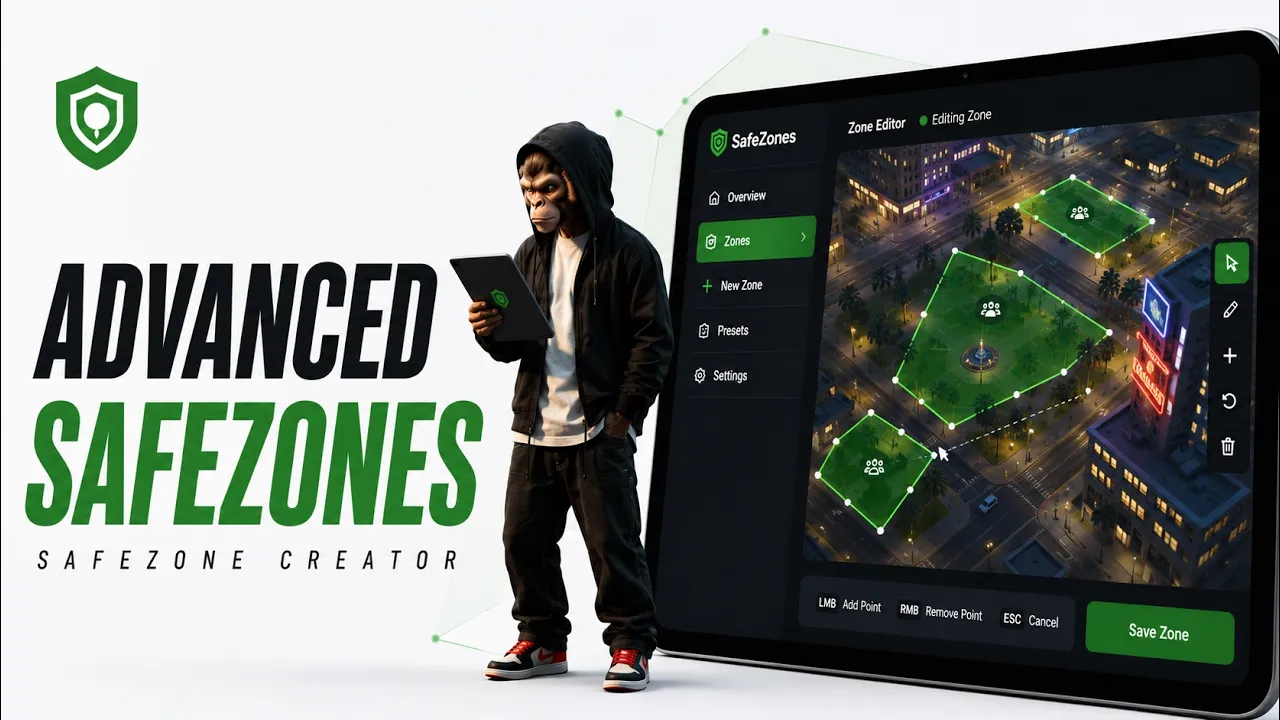
Blend Advanced SafeZones is a full safe zone system for FiveM. Build zones by drawing them in-game, manage everything from a clean tablet UI, and control exactly what players can and can't do inside each zone.
No config editing needed to create a zone — draw it, name it, pick the options, done.
Highlights
- In-game zone creator — draw the polygon with a free camera, set height and depth.
-
Tablet UI — manage all zones, presets and settings from one panel (
/safezone). - Real GTA map — see your zones on an accurate in-UI map with live preview.
- Point editing — adjust the shape point by point, or redraw it in-game.
- Scheduling — turn zones on only on certain days and time windows.
- Live occupancy — see how many players are in each zone in real time.
- Presets — save option sets and reuse them on new zones.
- Import / export / duplicate zones.
- Map blips — per zone, with your own sprite, color, scale and label.
- 11 languages built in.
- Discord logging — create / edit / delete events via webhook.
Zone Options
- Combat: none, melee only, or all weapons blocked
- Weapon whitelist / blacklist, job whitelist, admin bypass
- Invincibility, invincible vehicles, no collision, ghost mode
- Heal on enter, heal over time, infinite stamina, no fall damage, run faster
- Speed limit enforcement
- Remove mask, disable sprint / jump / drive-by
- Enter/leave notifications, hide the on-screen banner
For Developers
- Client and server hooks (
CustomHooks,ServerHooks) — easy to extend, no core edits. - Exports:
IsInSafeZone,GetAllZones,GetZoneById. - Open, commented
config.luaand hook files.
Frameworks
QBCore · QBox · ESX (auto-detected)
Dependencies
Installation
- Import
sql.sqlinto your database. - Place
blend_advancedsafezonesin your resources. - Add
ensure blend_advancedsafezonesto your server.cfg (after the dependencies). - Set your framework/language in
shared/config.lua(optional, auto-detects). - Add a Discord webhook in
server/discordlogs.lua(optional).
Support
Docs: https://blendbled.gitbook.io/blend-docs
Discord: https://discord.gg/XC6JkThPzb