
 Join our Discord
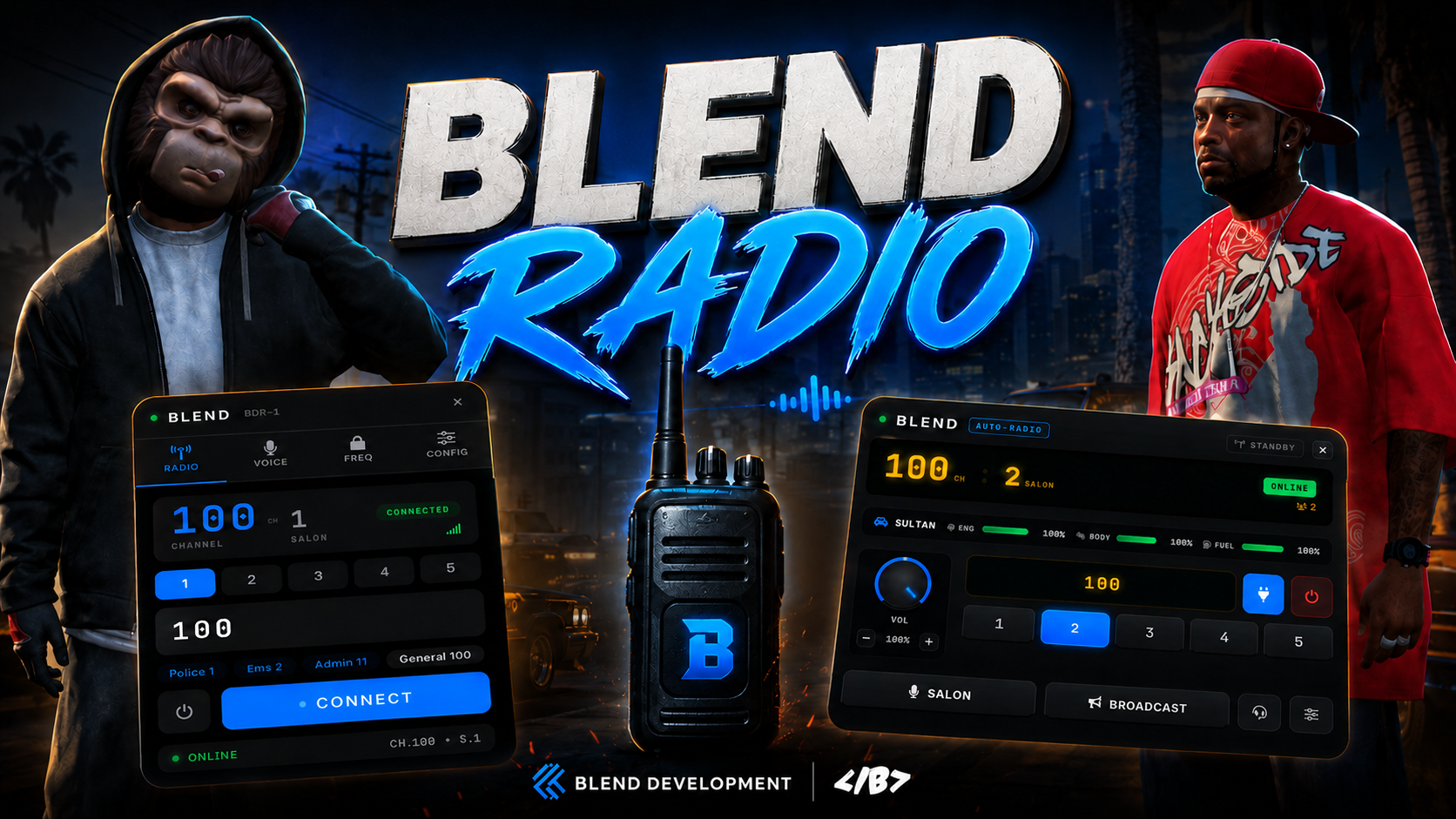
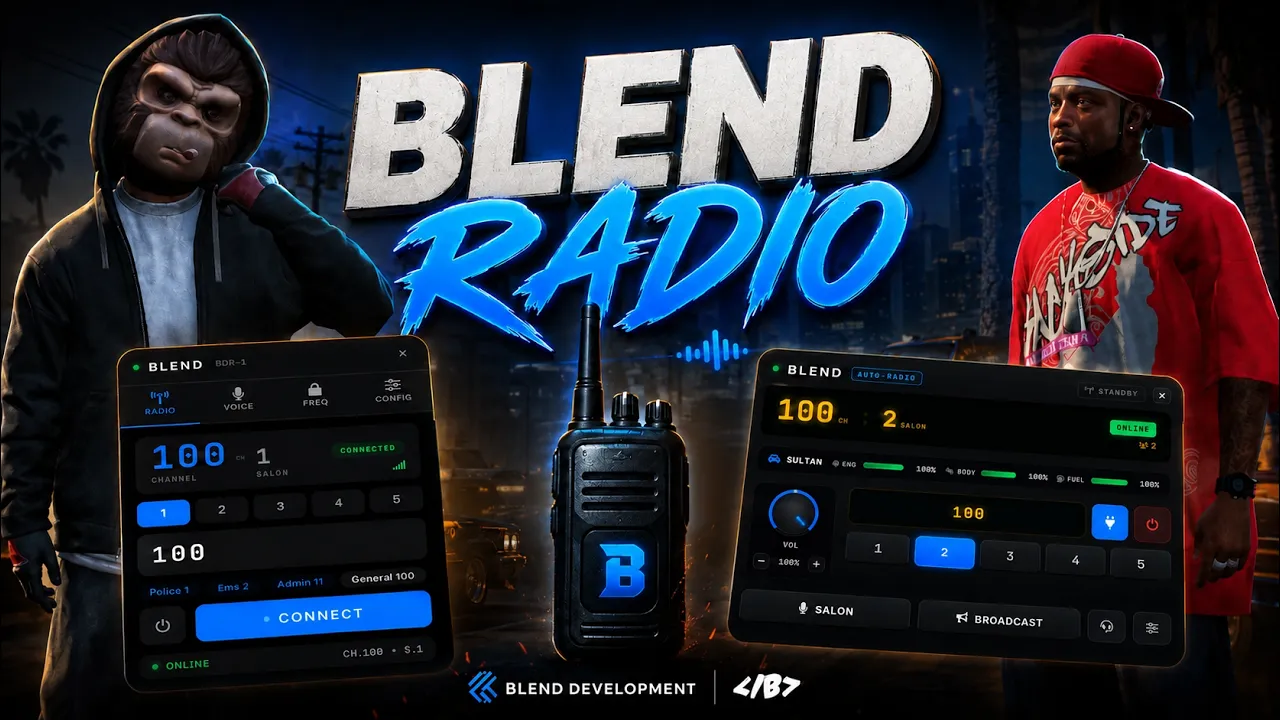
📻 Blend Radio — The Advanced FiveM Radio Script for pma-voice
Blend Radio is a premium, fully featured FiveM radio script built on top of pma-voice. Give your roleplay server realistic two-way radio communication with a clean modern UI, push-to-talk, private frequencies, an in-car radio head unit, job-restricted channels, radius voice, and much more.
✅ Works out of the box on QBCore, QBox, and ESX. The framework is automatically detected with no configuration edits required.
━━━━━━━━━━━━━━━━━━━━━━
✨ Key Features
🎙️ Dual Push-To-Talk
Separate keys for your salon (sub-channel) and a full-channel broadcast.
🔒 Private Frequencies
Players can generate their own password-protected channels with owner controls including kick, ban, mute, and unban.
📡 Channels & Salons
Every frequency is split into salons (sub-channels), allowing multiple groups to share one frequency without overlapping conversations.
🚓 Job-Restricted Channels
Restrict channels to specific jobs such as Police, EMS, Admin, or any custom job.
🚗 In-Car Radio
A classic vehicle radio interface displaying vehicle name, engine condition, body condition, and fuel level. Can be configured for driver-only access or all occupants.
🌍 Radius Voice
Only players within range hear radio transmissions, with optional global voice jobs such as dispatch or admin that always come through.
🔇 Deafen
Instantly mute radio communications both ways without affecting proximity voice.
🎚️ Per-Player Volume
Adjust the volume of each individual speaker independently.
🎭 Talk Animations & Radio Prop
Multiple selectable radio-holding animations with smart weapon detection to prevent animation conflicts while aiming or shooting.
👥 Live Player List
View everyone connected to the frequency, including who is talking, muted, or deafened, with optional server ID display.
⚙️ Death, Cuffed & Water Rules
Fully configurable restrictions with support for the most popular ambulance and medical scripts.
🧩 Developer Friendly
Clean exports and client/server events for all major actions including joining, talking, kicking, banning, muting, and more.
━━━━━━━━━━━━━━━━━━━━━━
🖥️ Compatibility
✅ QBCore — Auto-detected
✅ QBox — Auto-detected
✅ ESX — Auto-detected
━━━━━━━━━━━━━━━━━━━━━━
📦 Dependencies
• pma-voice
• oxmysql
━━━━━━━━━━━━━━━━━━━━━━
📁 What You Get
🔓 Full source access to configuration and custom event files.
🔒 Core logic protected through escrow/IP protection.
🗄️ SQL files for QBCore, QBox, and ESX.
📖 Step-by-step documentation covering installation, pma-voice setup, and configuration.
🧩 Client and server custom event files for easy integration with your own systems.
━━━━━━━━━━━━━━━━━━━━━━
🛠️ Installation
1️⃣ Drop the resource into your server.
2️⃣ Import the SQL file matching your framework.
3️⃣ Add the radio item to your inventory.
4️⃣ Add a single documented line to pma-voice.
5️⃣ Ensure Blend_Radio in your server.cfg.
━━━━━━━━━━━━━━━━━━━━━━
📖 Documentation: https://blendbled.gitbook.io/blend-docs/premium-assets/blend-radio
💬 Support: https://discord.gg/XC6JkThPzb
🎥 Preview Video: https://youtu.be/b01Pj3BjKXo